


Clinic Inventory Management Software in Malaysia
Clinic Inventory Management Software in Malaysia: A Practical Guide to Managing Medical Supplies
Managing medical supplies is an important part of running a clinic. From gloves and syringes to medicines and other consumables, clinics need to know what is available, what has been used, and what needs to be reordered.
When inventory is managed through paper registers or disconnected spreadsheets, stock information can become outdated. Staff may discover shortages at the wrong time, order supplies unnecessarily, or struggle to identify items approaching their expiry dates.
For Malaysian healthcare practices, clinic inventory management software can help make stock records more organized and provide better visibility into everyday operations.
In this guide, we explain how clinic inventory software works, which features matter, and what to consider when choosing a solution.
- What Is Clinic Inventory Management Software?
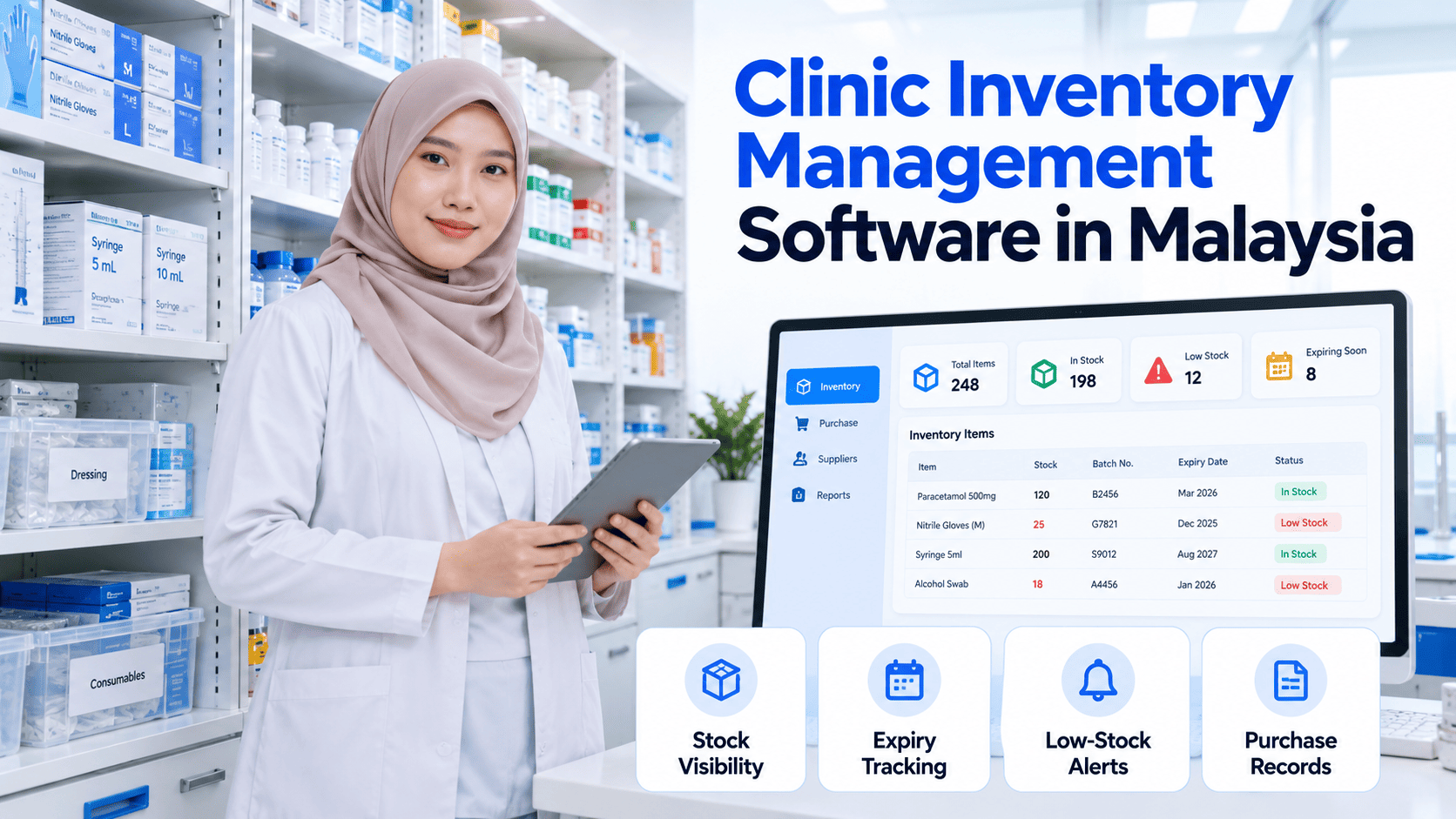
Clinic inventory management software is a digital tool used to record, monitor, and manage the supplies a healthcare practice keeps in stock.
Depending on its features, the software may help clinics:
- Record stock received and issued
- Monitor current stock levels
- Track product batches and expiry dates
- Identify items that need replenishment
- Review stock movement
- Maintain supplier and purchase records
- Connect inventory with billing or point-of-sale workflows
When inventory management forms part of a broader clinic management system, staff may be able to coordinate stock information with other administrative processes.
The availability of these functions varies by software, so clinics should confirm their specific requirements before selecting a system.
Why Is Inventory Management Important for Malaysian Clinics?
1. Prevents Unexpected Stock Shortages
Running out of frequently used medical supplies can interrupt routine clinic operations.
A digital inventory system helps staff review stock levels and identify items that may need replenishment before supplies run out.
Where supported, low-stock alerts can make it easier to plan purchases based on actual usage.
2. Helps Reduce Unnecessary Purchasing
Without reliable stock records, clinics may order supplies they already have or maintain excessive quantities of slow-moving items.
Inventory reports can help staff understand stock movement and make more informed purchasing decisions.
This does not automatically guarantee lower costs, but better visibility can support more disciplined purchasing.
3. Improves Expiry Date Monitoring
Expiry management is especially important when clinics maintain medicines and other date-sensitive medical products.
Inventory software with batch and expiry tracking can help staff identify items approaching their expiry dates and review them according to the clinic’s stock-handling procedures.
Clinics should verify whether their chosen software supports batch-level tracking, expiry notifications, and the reporting they need.
4. Creates More Accurate Stock Records
Manual stock records can become inconsistent when multiple employees receive, issue, or use supplies.
A centralized inventory system can help maintain a more consistent record of stock movements, provided staff update it correctly.
This improves visibility into what has been received, used, transferred, or adjusted.
5. Supports Better Financial Planning
Inventory represents money spent on supplies that the clinic needs to manage carefully.
By reviewing stock balances, purchase records, and consumption patterns, clinic owners can better understand purchasing requirements and identify opportunities to improve stock control.
Essential Features to Look for in Clinic Inventory Software
Not every clinic needs a complex inventory platform. The right feature set depends on the clinic’s services, product range, and purchasing process.
Real-time stock visibility
Review recorded stock quantities and identify shortages without relying entirely on manual counts.
Batch and expiry tracking
Track batches and expiry dates where required, helping staff follow appropriate stock rotation procedures.
Low-stock alerts
Receive notifications when recorded stock reaches a defined replenishment threshold, if supported.
Purchase and supplier records
Maintain a clearer record of suppliers, purchases, and incoming stock.
Inventory reporting
Review stock movement, current balances, and purchasing patterns to support operational decisions.
Manual Inventory vs Clinic Inventory Management Software
Inventory task | Manual process | Digital inventory software |
Stock updates | Staff update registers or spreadsheets. | Stock movements can be recorded centrally. |
Low-stock identification | Requires manual checking | Alerts may be available. |
Expiry monitoring | Manual inspection and recordkeeping | Batch tracking and expiry reports may be available |
Purchase history | Separate documents | Centralized purchase records may be available. |
Stock reporting | Manual calculations | Reports may be generated automatically. |
Multi-location stock | Separate records can be difficult to reconcile. | Centralized or branch-level tracking may be supported. |
Digital software still requires accurate data entry, periodic stock verification, and appropriate staff procedures. Technology supports inventory control; it does not replace it.
How to Choose the Right Inventory Software for Your Clinic
Before investing in clinic inventory management software in Malaysia, assess the following:
- Understand your inventory needs. Identify the types of supplies you manage and whether batch tracking, expiry dates, or serial numbers are necessary.
- Check integration requirements. If you want inventory connected to billing, purchasing, or patient workflows, confirm that these functions are supported by the software.
- Review access permissions. Staff should have appropriate permissions to receive stock, adjust quantities, and review reports.
- Evaluate reporting capabilities. Confirm that reports provide the information required for purchasing and stock control.
- Consider future growth. Clinics with multiple branches may need branch-level stock visibility, transfers, and consolidated reporting.
- Check local business requirements. If the system also handles billing or invoicing, assess its suitability for your Malaysian business processes and any applicable e-Invoice requirements.
- Request a demonstration. Test common tasks such as recording incoming stock, adjusting quantities, reviewing expiry information, and generating reports.
How Clinica ERP Fits into Clinic Operations
Clinica ERP is designed for healthcare practices looking to manage clinic operations through a digital software solution.
For clinics evaluating inventory management as part of a broader system, it is useful to assess how stock control fits alongside patient management, billing, and other administrative workflows.
Before implementation, confirm the inventory features available in the selected Clinica ERP configuration, including any specific requirements for batch tracking, expiry management, stock alerts, and multi-branch operations.
Learn more about Clinica ERP’s clinic software solution in Malaysia and explore whether it fits your clinic’s operational requirements.
Conclusion
Effective inventory management helps clinics maintain better control over medical supplies, purchasing decisions, and stock records.
For Malaysian healthcare practices, clinic inventory management software can reduce dependence on manual registers, improve stock visibility, and support more consistent operational processes.
Before choosing a solution, identify your essential inventory requirements, verify the available features, and assess how the software fits into your wider clinic management workflow.
Want to streamline your clinic operations? Explore Clinica ERP and evaluate how its clinic software can support your practice.
- Frequent Asked Questions
What is the best inventory management software for clinics in Malaysia?
The best option depends on the clinic's stock volume, product types, expiry tracking requirements, integrations, reporting needs, and budget. Compare features against actual workflows before choosing a system.
Can clinic inventory software track medicine expiry dates?
Some systems support batch and expiry tracking. Clinics should confirm that these features are available and suitable for the products they manage.
Can inventory software help reduce medical supply wastage?
It can improve stock visibility and help staff identify expiry risks or excess stock. Actual waste reduction depends on purchasing practices, accurate records, stock rotation, and staff procedures.
Is inventory management software suitable for small clinics?
Yes. Small clinics can benefit from digital stock records when manual tracking becomes difficult. The software should be proportionate to the clinic's needs and budget.
Can clinic inventory software integrate with billing?
Some clinic management systems connect inventory with billing or point-of-sale functions. The exact integration depends on the product and its configuration.
- Contact Us
Clinic management system for Malaysian GP clinics
Queue, EMR, billing, panel claims, inventory, payroll and LHDN e-Invoice in one cloud system. From RM49 per clinic per month, billed yearly.